

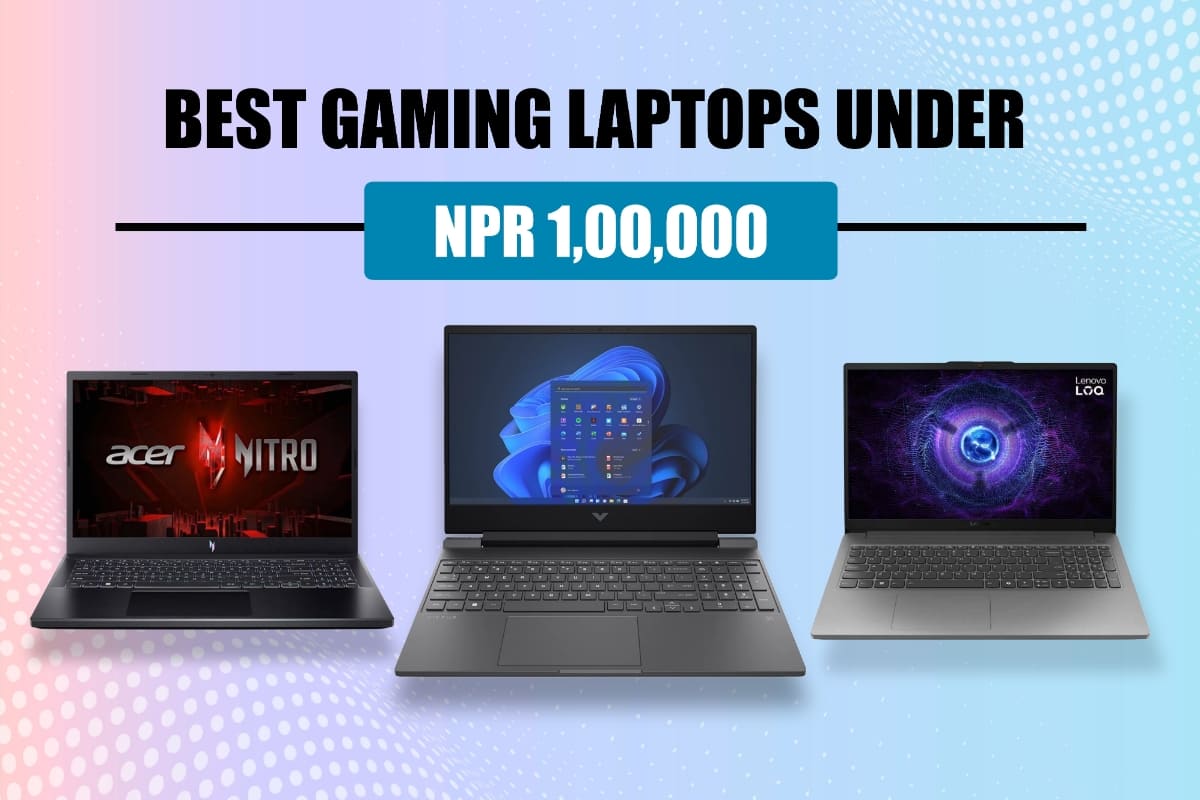
Best gaming laptops under 100000 in Nepal are easier to find now than ever before. A few years back, this budget would get you something that could barely run games, but things have changed. Now you can get laptops with proper graphics cards, screens that don’t lag, and processors that won’t leave you waiting forever.
These three laptops work well if you’re studying and want to sneak in some gaming, or if you just need something to unwind with after a long day. They’re all different from each other in their own ways. A couple of them have that obvious gaming vibe, while one or two look like regular work laptops. The good news is that you won’t have to search forever—most computer shops in Kathmandu stock these models.
1. Acer Nitro V 15
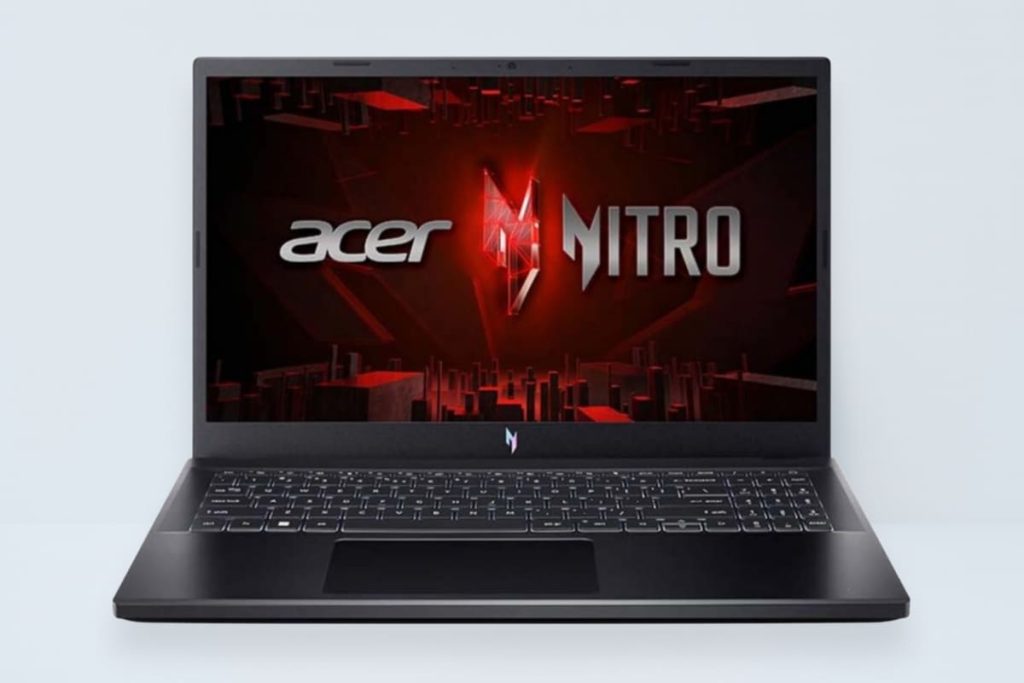
The Acer Nitro V 15 is probably the most interesting pick here because it’s got an RTX 4050 graphics card. That’s pretty rare to find at this price in Nepal. Most laptops under 1 lakh usually have older or weaker GPUs, so this is a nice surprise. Plus, Acer’s Nitro series has been around for a while, so they know what gamers actually want.
Display & Design
You get a 15.6-inch screen that runs at 144Hz, which basically means games look way smoother than a regular 60Hz screen. The colors are decent—not amazing, but good enough for gaming and watching stuff. It’s got that typical gaming look with red accents everywhere, so everyone will know you’re a gamer. The keyboard has red lights too, and typing on it feels pretty good. It’s mostly plastic, but it doesn’t feel cheap or flimsy. Weighs about 2.1kg, so you can carry it around if you need to.
Performance
This thing can actually run modern games without too much trouble. If you’re into games like Valorant or CS2, you’ll easily get over 100fps. Even bigger games like Cyberpunk or Red Dead 2 will run if you’re okay with medium settings. The 16GB RAM means you can have Discord, Chrome, and your game running without everything slowing down. Games load fast thanks to the SSD. The fans get pretty loud when you’re gaming hard, but that’s normal for gaming laptops in this range.
Specifications of Acer Nitro V 15:
- Processor: AMD Ryzen 5 7535HS / Intel Core i5-13420H
- Graphics: NVIDIA GeForce RTX 4050 (6GB GDDR6)
- RAM: 16GB DDR5
- Storage: 512GB NVMe SSD
- Display: 15.6″ FHD (1920×1080), 144Hz
- Battery: 57Wh
- Weight: ~2.1kg
- Ports: USB-C, USB 3.2, HDMI 2.1, Ethernet, Audio Jack
Price in Nepal: NPR 95,000 – NPR 99,000 (depending on configuration)
2. HP Victus 15
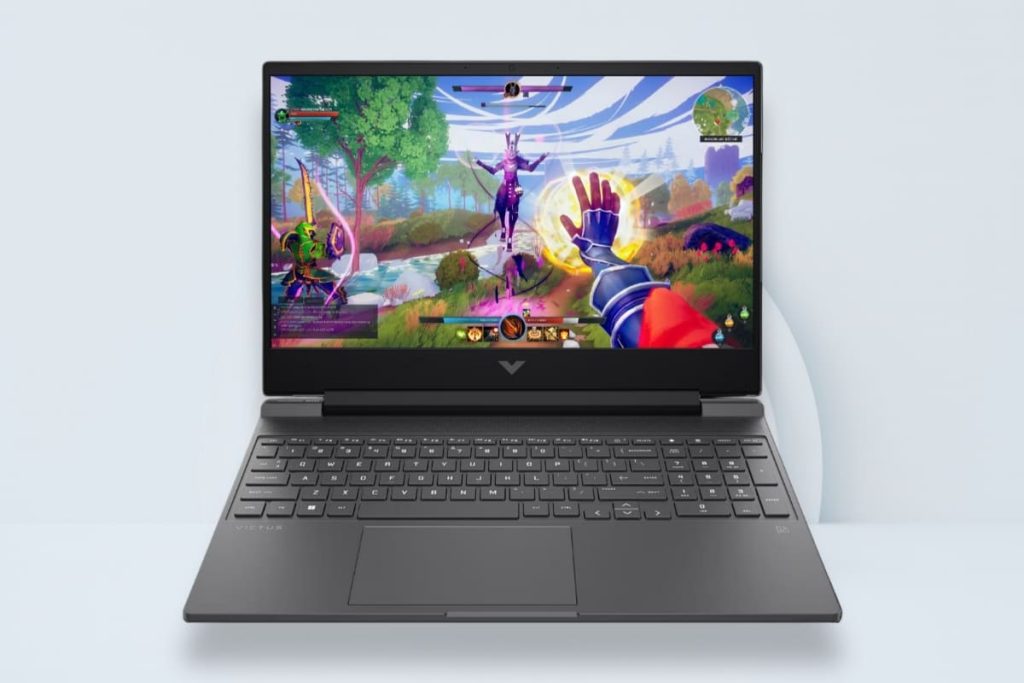
The HP Victus 15 is for people who don’t want everyone to know they have a gaming laptop. It looks pretty normal, so you can take it to class or meetings without feeling weird. HP gives you two choices—RTX 2050 or RTX 3050. The 3050 is better for gaming, but it costs a bit more. Both work fine though.
Display & Design
HP kept things simple here. The screen is 15.6 inches with 144Hz, same as the others. But the laptop itself looks more professional—no flashy colors or aggressive angles. The keyboard has white backlighting instead of red, which is less in-your-face. Keys feel nice to type on, and there’s even a number pad on the side. It’s a bit heavier at 2.29kg, but not by much. The trackpad works well enough, though you’ll probably use a mouse for gaming anyway.
Performance
With the RTX 3050 version, you can play most games at 1080p without issues. Games like Apex Legends, Fortnite, and Overwatch 2 run really well at high settings. For newer single-player games, you might need to drop to medium settings, but they’re still playable. The 8GB RAM versions are okay, but 16GB is better if you like having lots of tabs open. The SSD is fast, so you’re not sitting through long loading screens. It does get warm and the fans kick in, but that’s expected.
Specifications of HP Victus 15:
- Processor: Intel Core i5-12450H / AMD Ryzen 5 5600H
- Graphics: NVIDIA RTX 2050 (4GB) / RTX 3050 (4GB GDDR6)
- RAM: 8GB/16GB DDR4
- Storage: 512GB NVMe SSD
- Display: 15.6″ FHD (1920×1080), 144Hz, IPS
- Battery: 70Wh
- Weight: ~2.29kg
- Ports: USB-C, USB 3.0, HDMI 2.1, Ethernet, SD Card Reader, Audio Jack
Price in Nepal: NPR 85,000 – NPR 98,000 (depending on configuration)
3. Lenovo LOQ Gaming 15
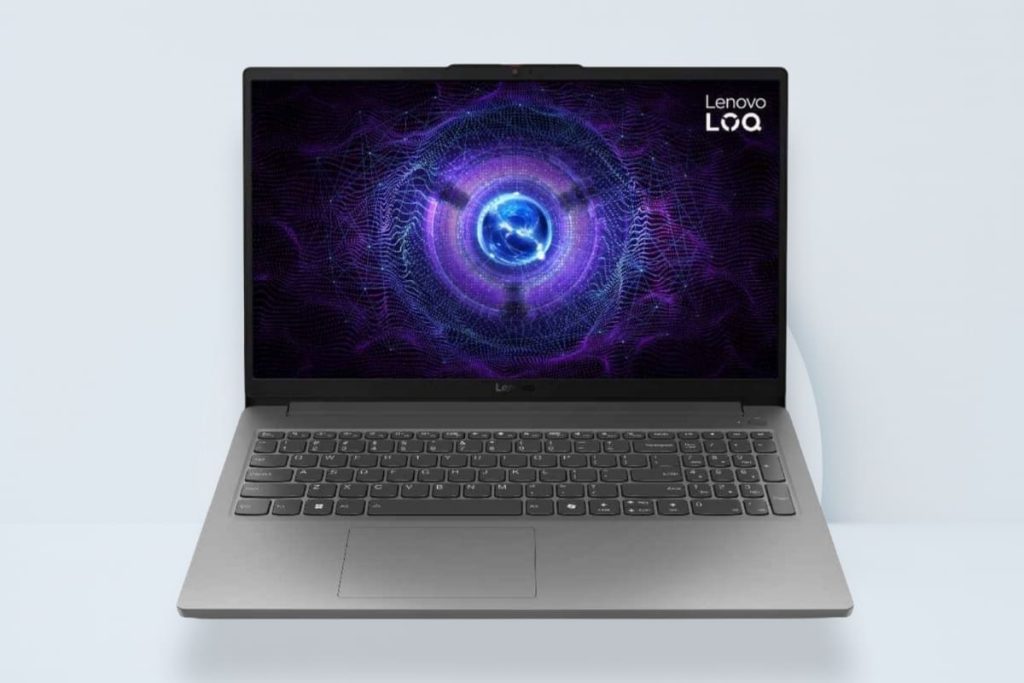
Lenovo’s LOQ Gaming 15 is their budget gaming line—basically a cheaper version of their Legion laptops. It’s newer to the market compared to the other two. You get different options for processors and graphics cards, so you can pick what fits your budget. Lenovo usually makes stuff that lasts, and this one feels pretty sturdy too.
Display & Design
Same 15.6-inch screen with 144Hz that the others have. Colors look good, viewing angles are fine. Lenovo didn’t go crazy with the gaming looks—just a small logo and clean lines. The keyboard has white lights and feels nice to use. Everything fits together well, no loose parts or anything. It’s the heaviest here at 2.4kg, so keep that in mind if you move around a lot.
Performance
How well it games depends on which graphics card you get. The RTX 3050 models run better than the RTX 2050 ones. Most games work fine at 1080p if you tweak the settings a bit. Competitive games run great and you’ll actually see the benefit of that 144Hz screen. The 16GB RAM handles multitasking without problems—streaming, Discord, whatever. The 512GB storage fills up quick with how big games are these days. It stays cool enough while gaming, and the fans aren’t crazy loud.
Specifications Lenovo LOQ Gaming 15:
- Processor: AMD Ryzen 5 7535HS / Intel Core i5-12450H
- Graphics: NVIDIA RTX 3050 (4GB) / RTX 2050 (4GB GDDR6)
- RAM: 16GB DDR5
- Storage: 512GB NVMe SSD
- Display: 15.6″ FHD (1920×1080), 144Hz, IPS
- Battery: 60Wh
- Weight: ~2.4kg
- Ports: USB-C, USB 3.2, HDMI 2.1, Ethernet, Audio Jack
Price in Nepal: NPR 90,000 – NPR 99,000 (depending on configuration)
Summary List of The Best Gaming Laptops Under NPR 1,00,000 in Nepal
| S.N | Laptop Models | Price in Nepal |
|---|---|---|
| 1 | Acer Nitro V 15 (AMD Ryzen 5 7535HS ) 16GB RAM | NPR 92,999 |
| 2 | HP Victus 15 (Intel Core i5-12450H ) 8GB RAM | NPR 89,999 |
| 3 | Lenovo LOQ 15 (Intel Core i5-12450H) 16GB RAM | NPR 105,999 |
Frequently Asked Questions Related to Best Gaming Laptop under NPR 100,000
Can these laptops under 1 lakh run GTA 5 and other popular games?
Oh yeah, GTA 5? No problem at all. All three of these will run it easy. You can crank up the graphics to high and it’ll still be smooth. PUBG, Free Fire, Valorant, Fortnite—they all work great. The newer heavy games will need you to drop settings to medium, but hey, they still play fine. That Acer with the RTX 4050 is a beast though, runs stuff way better than the others.
Is 8GB RAM enough or should I go for 16GB?
Look, 8GB is alright if you’re just launching a game and playing. But come on, who actually does that? You’ve probably got 20 Chrome tabs open, Discord running with your friends, music playing—8GB will choke. Get 16GB if you can. Trust me, you’ll notice the difference. Everything just works better without your laptop freezing up every five minutes.
Which one is best for students who need it for both study and gaming?
HP Victus, hands down. Here’s why—it looks normal. Take it to class and nobody thinks twice. Your professors won’t give you that look. It’s not super heavy so lugging it around campus isn’t terrible. Battery lasts long enough for lectures. Then you get back to your room and boom, it games perfectly fine. Oh, and if you have to do a presentation, you won’t feel weird pulling this out.
How long do these laptops last on battery while gaming?
Honestly? Not long. Maybe an hour or so, two if you’re lucky. Gaming kills the battery super fast, doesn’t matter which laptop. But for normal stuff like scrolling through Instagram or watching stuff on YouTube, you’ll get like 4-5 hours. Just keep your charger with you when you’re gaming. Nobody games on battery anyway—you’ll always want it plugged in for the best performance.
Can I throw in more RAM or a bigger SSD later?
Yeah, you can. They’re not sealed shut or anything. When you’ve got more money saved up, just pop in more RAM or a bigger SSD. Before you buy though, ask the shop people which parts you can swap out—just to be sure. And if you’re scared to open it up yourself, loads of shops in Kathmandu will do it for you. They’ll charge you a bit but it’s worth it if you don’t wanna risk breaking something.
Don’t miss a thing! Follow our Facebook Page for instant updates and visit our Gadget & Reviews and Tech News categories for the more tech stories!